
A Major New Version of Flock XR Launches on 13 April
New characters, world-building tools and scene effects in the biggest Flock XR update yet.
Over the past year we’ve been co-designing Flock XR with educators and young people, exploring how to make 3D creation more creative and accessible for young people.
Flock XR is a free, open-source 3D creation tool that runs in the browser, making it accessible across a wide range of devices while also supporting offline use. Our goal is to make it easier for young people to build interactive 3D worlds, games and XR experiences using a tool designed especially for them.
On 13 April we’ll release the next major version of Flock XR, bringing a wide range of improvements to the interface, code blocks and world-building tools.
This new release represents a significant step forward for the project.
👉 If you’d like to follow the journey and hear about new releases, tutorials and resources, you can join our mailing list to stay updated.
Built With Support from Our Community and Partners
Getting to this point has been made possible thanks to the support of several organisations that believe in the potential of open, creative tools for learning and experimentation.
We’re grateful for the support of UK Games Fund, the NLnet Foundation and MediaCity Immersive Technologies Innovation Hub, whose grants have helped us develop and expand the platform.
Just as importantly, the feedback and ideas from educators and young people who have been exploring Flock XR with us have played a central role in shaping this release.
A Simpler and More Flexible Interface
One of our priorities for this version was improving the overall usability of Flock XR.
A new burger menu provides easy access to key features, including:
- Interface themes with new light, dark and high-contrast options
- A direct link to our new Flock XR Hub knowledge base
- Built-in support for future language translations across the interface and blocks
Several other improvements make the workspace clearer and easier to use, including:
- An adjustable canvas bar to resize the working area
- A highlight halo that shows active areas more clearly
- An enhanced colour picker with predefined palettes, brightness controls and advanced options
Together these changes make building in Flock XR smoother and more accessible for both new and experienced users.
New Learning Resources and Knowledge Hub
Alongside the platform update, we’re also expanding the learning resources available for educators and clubs using Flock XR.
We’ve created a new Flock XR knowledge base at hub.flockxr.com, designed to make it easier for educators and young people to find resources, explore ideas and get started quickly with projects.
As part of this release, we’re expanding our structured learning materials and club resources. These include:
Coding 3D Worlds lesson packs
- Stage 5 Coding 3D Worlds (6 lessons)
- Stage 7 Coding 3D Worlds (6 lessons)
- Stage 8 Coding 3D Worlds (6 lessons)
Taster packs
- Stage 5 Taster Pack (2 lessons)
- Stage 7 Taster Pack (2 lessons)
Club resources
- Club Session Packs (4 sessions)
These resources have been co-designed with practising teachers and students, tested in schools, and will be available through the flockxr.com website.
New Demo Projects to Explore and Remix
To help people get started more quickly, we’ve added a set of new demo projects that demonstrate how different tools and blocks work together. These demos include:
- Sit Down
- Tree Jump
- Shape Push
- Alien Planet
All of the demos have been updated to use the latest blocks and are designed to be explored, modified and remixed.
Expanded Characters, Items and World-Building
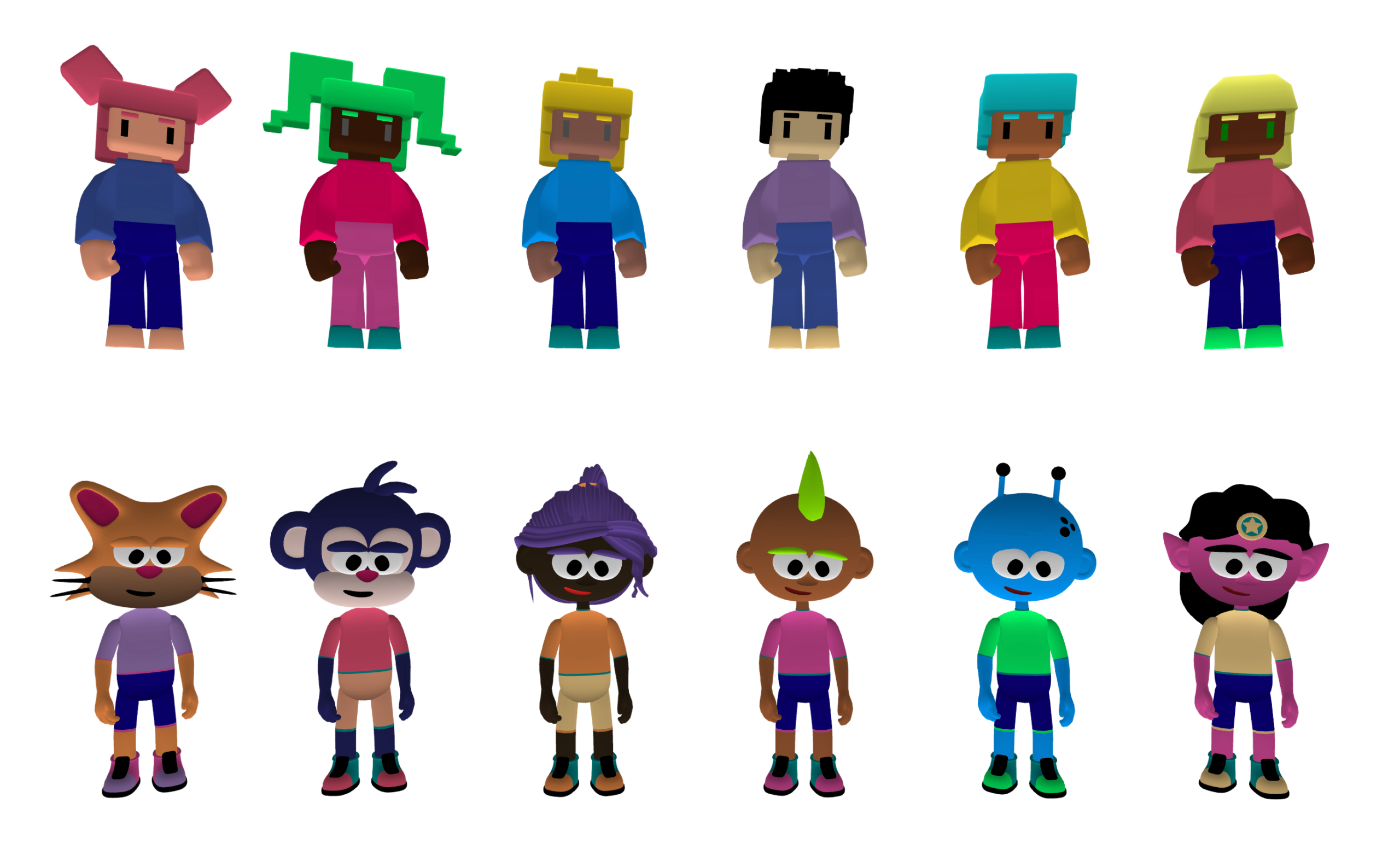
This release significantly expands the models available for creating scenes and stories. New additions include:
- 9 new characters alongside 3 returning characters
- Additional scenery elements such as ponds, flowers and an airplane
- New items including a key, wand, hat and headphones
You can now also attach items directly to characters, placing them on the head or in the hands, opening up new possibilities for storytelling and interaction.
More Materials and Visual Customisation
Creators now have much greater control over how characters and objects look. New features include:
- 72 skin colour options (previously 12)
- A wider range of materials for scene design
- A grid material to help with object placement
- Decorative materials such as wooden planks, fish and carbon fibre
- The ability to apply multiple colours to items
These improvements help creators build more visually distinctive scenes.
Richer Scenes and Visual Effects
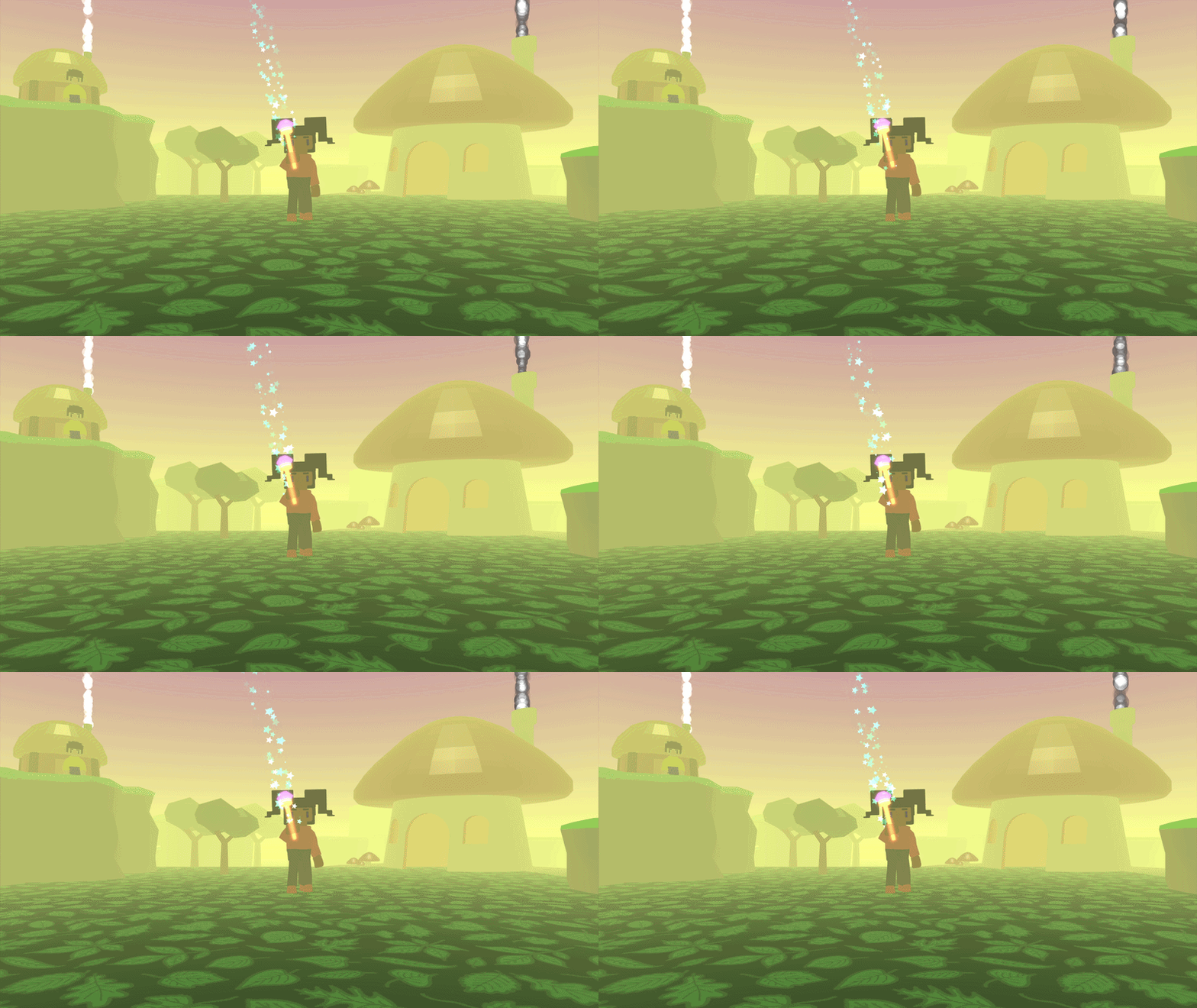
We’ve also expanded the tools for creating atmosphere and visual effects within scenes. Updates include:
- 47 particle effects (up from 12 previously)
- A new block that allows you to move and control lighting
- An improved fog block for creating different environmental moods
These additions make it easier to create more dynamic and immersive worlds.
Faster Building with Snippets and Improved Blocks
To help people build projects more quickly, we’ve added new code snippets including:
- Movement snippets
- Snippets for creating objects with physics or applying force
Several core blocks have also been improved for clarity and ease of use, including:
- A clearer “wait one second” block
- More consistent block naming
- An improved if block that is easier to position, duplicate and modify
These changes make building logic simpler and easier to understand.
New Character Animations
All characters can now perform a wider range of animations, including:
- Sitting down, Sitting idle, and standing up
- Climbing a rope
- Wobbling
- Clapping
Because every character now uses the same animation rig, they can all perform the same animations, making it easier to create interactive scenes and playful moments.
Improved 3D Text and Project Files
3D text tools have also been expanded.
You can now use the subtract block to cut 3D text into other shapes — something that can be especially useful for 3D printing workflows.
We’ve also introduced a dedicated Flock XR file type (.flock) to make saved projects easier to recognise and manage.
Launching 13 April
This new version of Flock XR launches on 13 April, and we’re excited to see what people create with the expanded tools and features.
Flock XR continues to grow through collaboration with educators and young people, and we look forward to sharing more updates as the project evolves.
👉 If you’d like to stay informed about new releases, tutorials and resources, join our mailing list and follow our progress as we approach launch.
0 Comments